Keyboard Shortcuts
Search for actions or a keyboard shortcut to find what you need:
Try testing your knowledge with our Keyboard shortcuts quiz:
Windows shortcuts
| Shortcut |
Purpose/Description |
| Windows + D |
Shows the desktop (minimise all windows) |
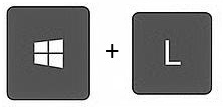
| Windows + L |
Locks the screen |
| Windows + Up Arrow |
Maximises the current window to full screen |
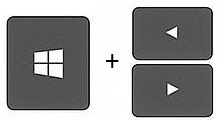
| Windows + Left/Right Arrow |
'Snaps' window to left or right side of the screen |
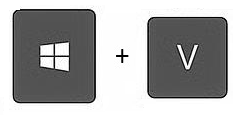
| Windows + V |
Open Clipboard History to see everything copied to the virtual clipboard |
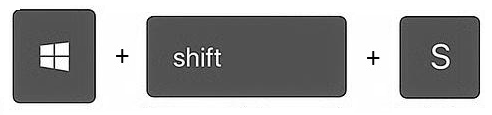
| Windows + Shift + S |
Take a screenshot |
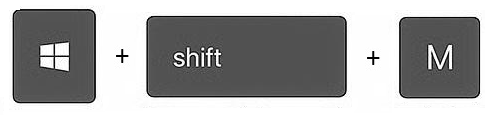
| Windows + Shift + M |
Restores all minimised windows |
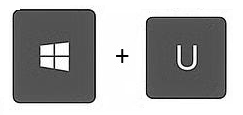
| Windows + U |
Open Accessibility settings |
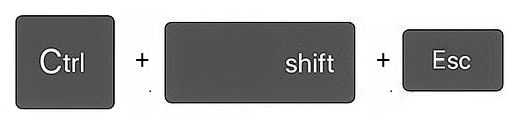
| Ctrl + Shift + Esc |
Open Task Manager |
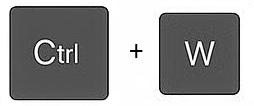
| Ctrl + W |
Close the current window/tab/document |
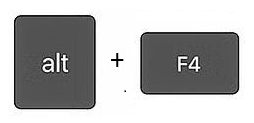
| Alt + F4 |
Close the current app |
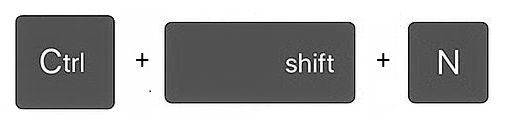
| Ctrl + Shift + N |
Create a new folder |
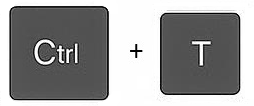
| Ctrl + T |
Create new tab (File Explorer + browsers) |
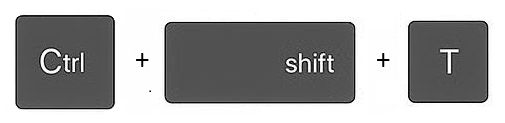
| Ctrl + Shift + T |
Reopen last closed tab (File Explorer + browsers) |
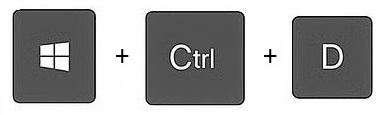
| Windows + Ctrl + D |
Create a new virtual desktop |
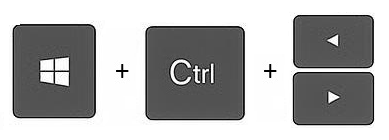
| Windows + Ctrl + Left / Right Arrow |
Switch between virtual desktops |
Microsoft Word shortcuts
| Shortcut |
Purpose/Description |
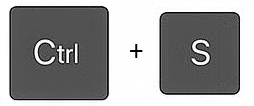
| Ctrl + S |
Save the current file |
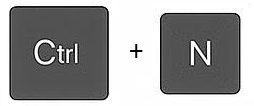
| Ctrl + N |
Create a new document |
| Ctrl + O |
Open an existing file |
| Ctrl + W |
Close the document (keeping the application open) |
| Ctrl + P |
Print |
| Ctrl + Z |
Undo the previous action |
| Ctrl + Y |
Redo the previous action (doesn't work in all instances) |
| Ctrl + X |
Cut the selected content |
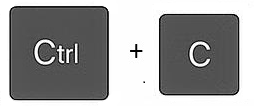
| Ctrl + C |
Copy the selected content to the clipboard |
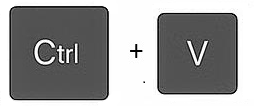
| Ctrl + V |
Paste the copied or cut content from the clipboard |
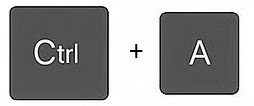
| Ctrl + A |
Select all content |
| Ctrl + F |
Find text |
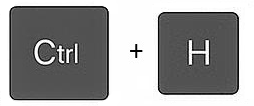
| Ctrl + H |
Find and Replace text |
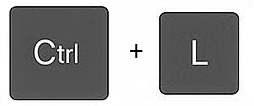
| Ctrl + L |
Left align content |
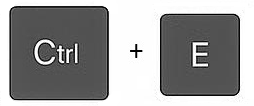
| Ctrl + E |
Centre align content |
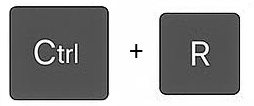
| Ctrl + R |
Right align content |
| Ctrl + B |
Bold selected text |
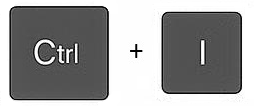
| Ctrl + I |
Italicize selected text |
| Ctrl + U |
Underline selected text |
| Ctrl + K |
Insert hyperlink |
| Ctrl + + (plus) |
Zoom in |
| Ctrl + - (minus) |
Zoom out |
| Ctrl + 0 |
Reset zoom level to 100% |
| Ctrl + 1 |
Single line spacing |
| Ctrl + 2 |
Double line spacing |
| Ctrl + 5 |
1.5 line spacing |
Microsoft Excel shortcuts
| Shortcut |
Purpose/Description |
| Ctrl + S |
Save the current workbook |
| Ctrl + N |
Create a new workbook |
| Ctrl + O |
Open an existing workbook |
| Ctrl + W |
Close the workbook (keeping the application open) |
| Ctrl + P |
Print |
| Ctrl + Z |
Undo the previous action |
| Ctrl + Y |
Redo the previous action (doesn't work in all instances) |
| Ctrl + X |
Cut the selected content |
| Ctrl + C |
Copy the selected content to the clipboard |
| Ctrl + V |
Paste the copied or cut content from the clipboard |
| Ctrl + A |
Select all cells |
| Ctrl + F |
Find a value |
| Ctrl + H |
Find and Replace values |
| Ctrl + E |
Flash fill |
Microsoft PowerPoint shortcuts
| Shortcut |
Purpose/Description |
| Ctrl + S |
Save the current presentation |
| Ctrl + N |
Create a new presentation |
| Ctrl + O |
Open an existing presentation |
| Ctrl + W |
Close the presentation (keeping the application open) |
| Ctrl + M |
Add a slide |
| F5 |
View the presentation |
| Shift + F5 |
View presentation from current slide onwards |
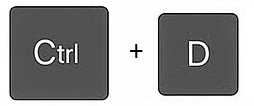
| Ctrl + D |
Copy the current slide |
| Ctrl + P |
Print |
| Ctrl + Z |
Undo the previous action |
| Ctrl + Y |
Redo the previous action (doesn't work in all instances) |
| Ctrl + X |
Cut the selected content |
| Ctrl + C |
Copy the selected content to the clipboard |
| Ctrl + V |
Paste the copied or cut content from the clipboard |
| Ctrl + A |
Select all content |
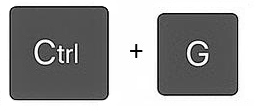
| Ctrl + G |
Group objects together |
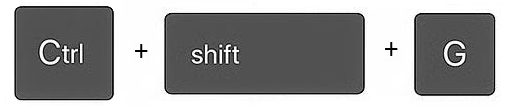
| Ctrl + Shift + G |
Ungroup objects |
| Ctrl + F |
Find text |
| Ctrl + H |
Find and Replace text |
| Ctrl + L |
Left align content |
| Ctrl + E |
Centre align content |
| Ctrl + R |
Right align content |
| Ctrl + B |
Bold selected text |
| Ctrl + I |
Italicize selected text |
| Ctrl + U |
Underline selected text |
| Ctrl + K |
Insert hyperlink |
Microsoft Outlook shortcuts
| Shortcut |
Purpose/Description |
| Ctrl + N |
New email |
| Ctrl + O |
Open selected email |
| Ctrl + S |
Save email as a draft |
| Ctrl + P |
Print |
| Ctrl + W |
Close active window |
| Ctrl + Z |
Undo the previous action |
| Ctrl + Y |
Redo the previous action (doesn't work in all instances) |
| Ctrl + A |
Select all content |
| Ctrl + X |
Cut the selected content |
| Ctrl + V |
Paste the copied or cut content from the clipboard |
| Ctrl + E |
Find (search in mailbox) |
| Ctrl + F |
Find (search in an email) |
| Ctrl + H |
Find and replace (in an email) |
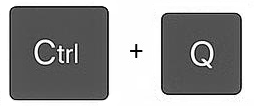
| Ctrl + Q |
Mark as read |
| Ctrl + U |
Mark as unread |
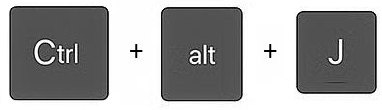
| Ctrl + Alt + J |
Mark as junk |
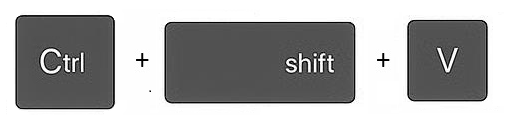
| Ctrl + Shift + V |
Move email to folder |
| Ctrl + Shift + G |
Set flag/reminder |
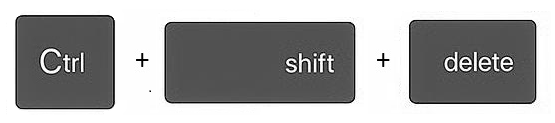
| Ctrl + Shift + Delete |
Empty deleted items |
| Ctrl + L |
Left align content |
| Ctrl + E |
Centre align content |
| Ctrl + R |
Right align content |
| Ctrl + B |
Bold selected text |
| Ctrl + I |
Italicize selected text |
| Ctrl + U |
Underline selected text |
| Ctrl + K |
Insert hyperlink |
| ? |
Show a full list of shortcuts (in mailbox) |
Found this useful? Share it with others.